Written by: Luis Teran, Co-founder, CEO, TenantEvaluation | Last updated: August 7, 2026
Key Takeaways for HOA Fraud Prevention
- High-profile HOA fraud cases like the $11 million Hammocks scheme show that document-based controls alone cannot stop sophisticated embezzlement.
- Centralized biometric 2FA, which combines government-ID validation, AI liveness detection, and facial matching, verifies that applicants are physically present and match their claimed identity.
- Device-bound biometrics protect staff logins but do not confirm applicant identity, so centralized verification is essential for resident screening and vendor onboarding.
- TenantEvaluation’s IDVerify+ integrates biometric 2FA directly into the existing screening workflow, removing extra portals and logins while maintaining FCRA compliance.
- Schedule a demo today to see how biometric 2FA supports HOA management security and fraud prevention inside TenantEvaluation.
Choosing Biometric Methods for HOA Roles
Two distinct biometric architectures exist, and they function differently in HOA environments: device-bound biometrics and centralized identity-verification biometrics.
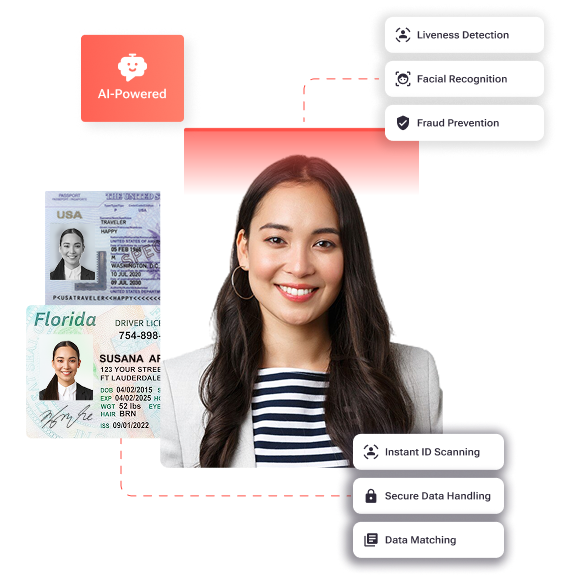
Device-bound biometrics, such as passkeys, Touch ID, Face ID, and Windows Hello, store a cryptographic template inside a hardware enclave on the user's own device. The server receives only an encrypted cryptographic signature via WebAuthn, and no biometric image or template ever leaves the device. This model works well for protecting staff logins and board portal access against credential theft. It does not, however, answer the foundational HOA question: is this applicant who they claim to be.
To verify applicant identity rather than just protect credentials, centralized identity-verification biometrics use a different approach. These systems, which combine government-ID validation with AI liveness detection and selfie-to-ID facial matching, confirm that a real, physically present person matches a government-issued document at the moment of onboarding. Biometric verification using facial recognition and liveness detection verifies that an identity belongs to a real person and prevents deepfakes or static images from being used in synthetic identity fraud during onboarding.
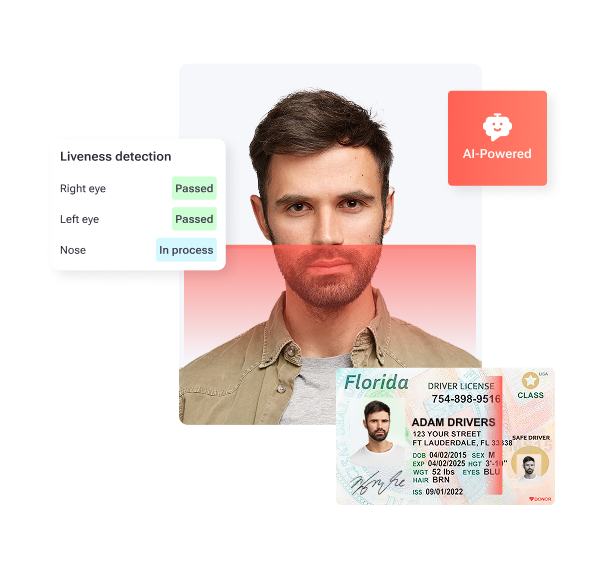
The 2025–2026 deepfake threat makes liveness detection non-negotiable for HOAs. Advanced liveness detection uses passive methods that analyze subtle physiological cues, such as micro-expressions, skin texture, blood flow patterns, and reflections in the eyes, which synthetic media struggles to replicate. Active liveness checks that require real-time movement or challenge-response are recommended because deepfakes can defeat purely static image comparison.
The table below maps each method to the four primary HOA roles.
| Role | Recommended Method | Spoof Resistance | FCRA Alignment |
|---|---|---|---|
| Board member (financial approvals) | Centralized ID + liveness + facial match | High, defeats deepfakes and synthetic IDs | Strengthens permissible-purpose audit trail |
| Resident onboarding / 55+ verification | Centralized ID + liveness + facial match via IDVerify+ | High, confirms physical presence at submission | Identity confirmed before screening authorization |
| Vendor payment changes | Centralized ID + liveness for new payee enrollment | High, blocks impersonation of legitimate vendors | Audit-ready record of who authorized change |
| Staff / CAM portal access | Device-bound biometric (passkey / FIDO2) | Medium, protects credentials, not identity proofing | Supports access-log integrity |
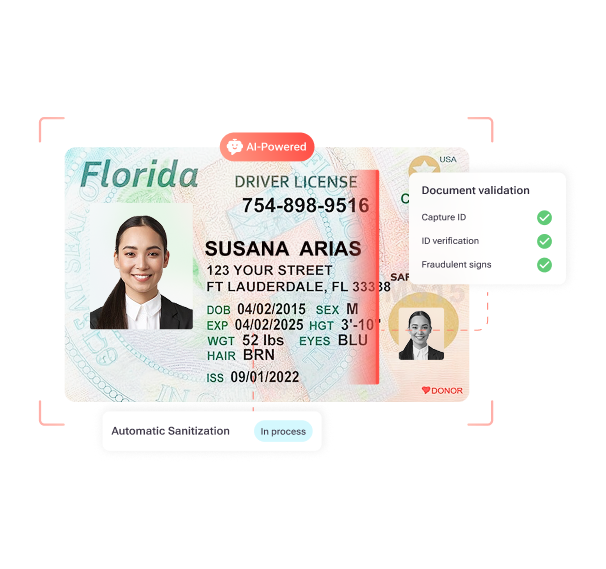
IDVerify+ operates in the centralized identity-verification category. It runs natively inside TenantEvaluation, so the biometric match result, liveness status, and redacted ID copy appear directly inside the CAM's screening report.
Biometric 2FA Costs for Community Associations
Standalone enterprise MFA platforms charge per-user monthly fees that add up quickly across large portfolios. Okta Workforce Identity Cloud charges $6 per user per month for Starter (up to $17 for Essentials) with a $1,500 annual minimum, Cisco Duo ranges from free for up to 10 users to $9 per user per month for its Premier tier, and Microsoft Entra ID P1 costs $7 per user per month, with the full Entra Suite at $12 per user per month. For a management company overseeing 500 residents, vendors, and staff across multiple communities, those figures compound into significant annual overhead before implementation, training, and migration costs.
TenantEvaluation's IDVerify+ uses a per-application model inside the existing TenantEvaluation workflow. TenantEvaluation uses a revenue-sharing model, deducting its service fee from the collected application fee and rebating the remainder to the association, so the net cost to the community is reduced or offset entirely. There are no additional logins, no external portal subscriptions, and no separate vendor contracts to manage. IDVerify+ can be enabled per community and configured per property portfolio, so associations pay only for the verification events they trigger.
For CAMs managing large portfolios, this per-application structure converts a fixed overhead line into a variable cost tied directly to onboarding volume. That shift matters during slower seasons when application counts drop.
Managing Biometric Risks in Resident Screening
Four risk categories require explicit governance before any biometric deployment in an HOA environment.
Privacy and consent. Florida does not have a standalone biometric privacy statute comparable to Illinois BIPA. Biometric protections fall under the Florida Digital Bill of Rights (FDBR), which requires prior consumer consent for the sale of sensitive data (Fla. Stat. §501.715) but does not address biometric data processing. The FDBR applies only to for-profit controllers with more than $1 billion in global gross annual revenue that also meet at least one of three Big Tech criteria, meaning most HOAs and management companies fall outside its direct scope. However, Florida courts and regulators increasingly reference these consent principles when evaluating data handling practices, so following FDBR standards proactively reduces legal exposure even for entities not directly covered.
False rejection. False rejection rates for biometric systems vary based on conditions such as lighting, dirt, or user positioning. For 55+ communities, some users may experience failures due to injuries, disabilities, aging skin conditions, or environmental factors, which require alternative authentication paths. Any deployment must document fallback procedures so applicants are not blocked from housing decisions.
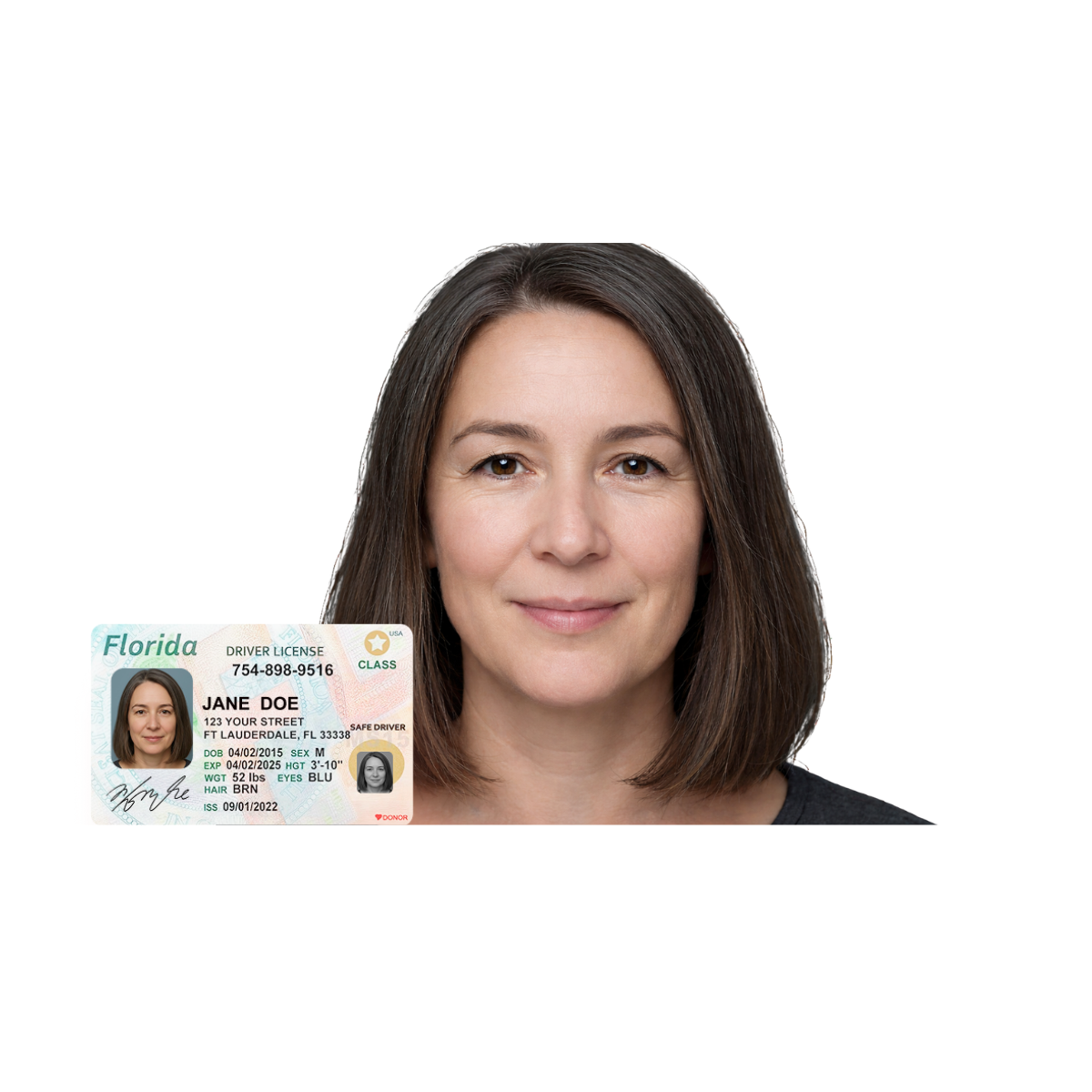
Deepfake spoofing. iBeta PAD Level 3 certified liveness detection is designed to defend against presentation attacks including photos, videos, masks, and AI-generated attacks. Systems without certified liveness detection remain vulnerable to these attack vectors during remote onboarding.
FCRA permissible purpose. Biometric identity confirmation must occur before screening authorization is granted to maintain a clear permissible-purpose trail. IDVerify+ confirms identity prior to screening authorization, which reinforces FCRA-aligned workflows and audit defensibility. The Florida Information Protection Act (FIPA), Fla. Stat. § 501.171, requires covered entities to implement reasonable measures to protect personal information, including biometric records when combined with other identifiers, and to notify affected individuals after a breach.
The following checklist summarizes Florida-specific privacy requirements for HOA biometric deployments.
- Disclose biometric collection purpose in the application before capture begins (FIPA best practice). This disclosure should appear before any consent request so applicants understand what they are authorizing.
- Obtain affirmative applicant consent before any liveness or facial matching step, and capture that consent in the audit trail.
- Store biometric templates separately from general applicant records, encrypted at rest and in transit (NIST SP 800-63B guidance).
- Retain biometric data only for the period required by the screening purpose, and destroy it upon contract expiration or applicant inactivity.
- Maintain a breach notification procedure aligned with FIPA, which requires written notice to the Department of Legal Affairs within 30 days, extendable by 15 days for good cause, when a breach affects 500 or more Florida residents.
- Document fallback authentication paths for applicants who cannot complete biometric steps.
- Confirm that the verification vendor does not sell biometric data. Fla. Stat. 501.715 prohibits certain controllers from selling sensitive personal data, including biometric data, without prior consumer consent.
- Maintain FCRA-compliant adverse action workflows and audit trails for every application.
Because IDVerify+ is native to the platform, it addresses these requirements inside TenantEvaluation's secure workflow. Biometric templates never leave the platform, raw images are not retained, and every verification event is logged in an audit-ready record tied to the application.
See how IDVerify+ addresses these Florida-specific privacy requirements in a live demo, with no separate portals, no compliance gaps, and verification inside your existing workflow.
5-Step Rollout Plan for IDVerify+ Native Integration
The following checklist shows how IDVerify+ activates inside TenantEvaluation without external portals, third-party redirects, or additional staff training overhead.
- Enable IDVerify+ per community. Inside TenantEvaluation, activate IDVerify+ at the community profile level. Each HOA or condominium association can be configured independently, so a management company with a mixed portfolio enables biometric verification only where the community's risk profile warrants it.
- Configure risk rules per community standard. Set the verification trigger points. For example, require liveness detection and facial matching for all new resident applications, and require government-ID validation for vendor payment-change requests. Role-based policies should differentiate between board members handling financial approvals and residents or vendors with narrower access.
- Map verification requirements to board, resident, vendor, and staff roles. Assign centralized identity-verification biometrics, including government-ID, liveness, and facial match, to resident onboarding, board financial approvals, and vendor enrollment. Assign device-bound biometrics or strong MFA to staff and CAM portal access. Document fallback paths for 55+ Communities Verification scenarios where applicants may need alternative authentication options.
- Test liveness detection on sample applications. Before go-live, run IDVerify+ against a sample set of test applications to confirm that liveness status, biometric match results, and redacted ID copies appear correctly inside the CAM's screening report. Verify that the audit log captures every verification event with a timestamp.
- Monitor audit logs and review exception patterns. After activation, review authentication logs regularly for recurring false rejections, incomplete verifications, or anomalous patterns. Organizations should log all exceptions and escalation actions and regularly review recurring authentication failures for patterns that may indicate systemic issues. TenantEvaluation's built-in audit trails support this review without requiring a separate reporting tool.
Frequently Asked Questions
What is biometric 2FA in the context of HOA resident screening?
Biometric 2FA in HOA resident screening is a two-factor authentication process that combines a standard credential, such as an application login or document submission, with a biometric factor that confirms physical identity. In TenantEvaluation's IDVerify+, an applicant uploads a government-issued ID, completes an AI-powered liveness check, and submits a selfie that is biometrically matched to the ID photo, all within the same application workflow. The result is a verified identity confirmation before any screening report is generated or approval decision is made.
How long does IDVerify+ add to the resident application process?
The biometric verification step inside IDVerify+ fits within the existing application flow. Applicants upload their government-issued ID and complete a guided selfie verification during the same session as their application submission. Because the process runs natively inside TenantEvaluation with no external portal redirect, there is no additional login, no separate app download, and no manual follow-up required from the CAM. The verification result appears automatically inside the screening report.
Does biometric 2FA cost more for smaller HOAs or self-managed communities?
As noted in the cost section, TenantEvaluation's per-application model means smaller HOAs pay only for the verifications they actually use. There are no upfront licensing fees or minimum user commitments, so self-managed communities can enable IDVerify+ only where the risk profile justifies it.
What happens if an applicant cannot complete the biometric verification step?
TenantEvaluation's platform supports documented fallback procedures for applicants who cannot complete biometric verification. Older residents in 55+ communities, for example, may experience difficulties with liveness detection due to environmental factors or physical conditions. CAMs can configure exception workflows at the community level, and all exception events are logged in the audit trail. The platform's 24/7 AI chat support, available in 11 languages, can assist applicants through the verification process in real time.
Is IDVerify+ compliant with Florida's biometric privacy requirements and FCRA?
IDVerify+ is built with FCRA compliance as the foundation. Identity confirmation occurs before screening authorization is granted, which reinforces permissible-purpose controls and audit defensibility. Biometric templates are stored securely within TenantEvaluation's encrypted workflow and are not sold or transmitted to third parties. TenantEvaluation is a direct reseller of TransUnion and Equifax data, operating under strict bureau rules with regular compliance reviews. Florida's FIPA breach notification requirements and the Digital Bill of Rights consent principles are addressed through the platform's consent capture, data minimization, and audit-ready record architecture.
Conclusion: Why Native Biometric 2FA Fits Florida HOAs
The Hammocks fraud, the Martin County indictment, and the broader pattern of wire fraud and compromised approvals documented across Florida HOAs share a common vulnerability. Many fraudulent losses today result from phishing emails, wire fraud, or compromised accounts rather than traditional embezzlement, and manual document-based controls cannot stop them. Device-bound biometrics protect staff credentials but do not verify that an applicant is who they claim to be. Centralized identity-verification biometrics, including government-ID validation, AI liveness detection, and facial matching, close that gap when they operate inside the existing screening workflow rather than through a disconnected external portal.
TenantEvaluation's IDVerify+ is the only biometric 2FA solution built natively for Florida community associations, combining fraud prevention, FCRA compliance, and zero workflow disruption inside one platform that already serves 5,000+ communities and processes approximately 100,000 applications per year. It is not a generic tenant screening add-on. That focus makes it a security infrastructure upgrade designed specifically for the risk environment that Florida CAMs, LCAMs, and HOA boards face every day.
Request your personalized demo to see IDVerify+ stop fraud before it reaches your screening workflow, built for Florida CAMs, LCAMs, and HOA boards that need zero-disruption security.